File Sorter (Part 2): Functions, Dry-Run, and Safe Duplicates
In my previous post, I built a basic Python script to clean up a cluttered Downloads folder. It did the job, but it was just a procedural script with clear risks: it could overwrite files with duplicate names, and running it meant making changes directly to the filesystem without a preview.
As someone training to become a QA engineer, I realized this was not reliable enough. Before writing automated tests, code must be modular and predictable.
Here is how I upgraded the script to make it safer and test-ready.
What Changed?
1. Modular Functions (Preparing for Pytest)
In the first version, everything ran in a single loop. To test logic effectively, inputs and outputs need to be isolated. I split the logic into dedicated functions:
classify_file(): pure logic that only determines the category.get_unique_path(): handles file naming collisions.move_file(): handles the actual filesystem operation.sort_directory(): coordinates the entire workflow.
2. Collision Handling: No Overwrites
If you download report.pdf multiple times, standard move operations
might overwrite older files. I added get_unique_path() to append an
incrementing index if a file already exists in the target folder:
def get_unique_path(destination: Path) -> Path:
    if not destination.exists():
        return destination
    counter = 1
    while True:
        new_filename = (
            f"{destination.stem}_{counter}{destination.suffix}"
        )
        new_destination = destination.parent / new_filename
        if not new_destination.exists():
            return new_destination
        counter += 1
Now, report.pdf safely becomes report_1.pdf, protecting user data.
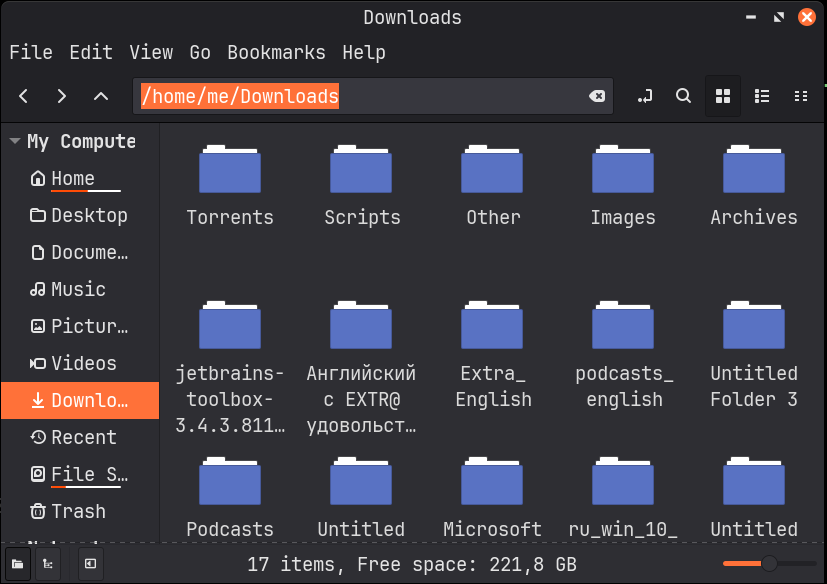 Linux Downloads folder full of cluttered files before automated sorting.
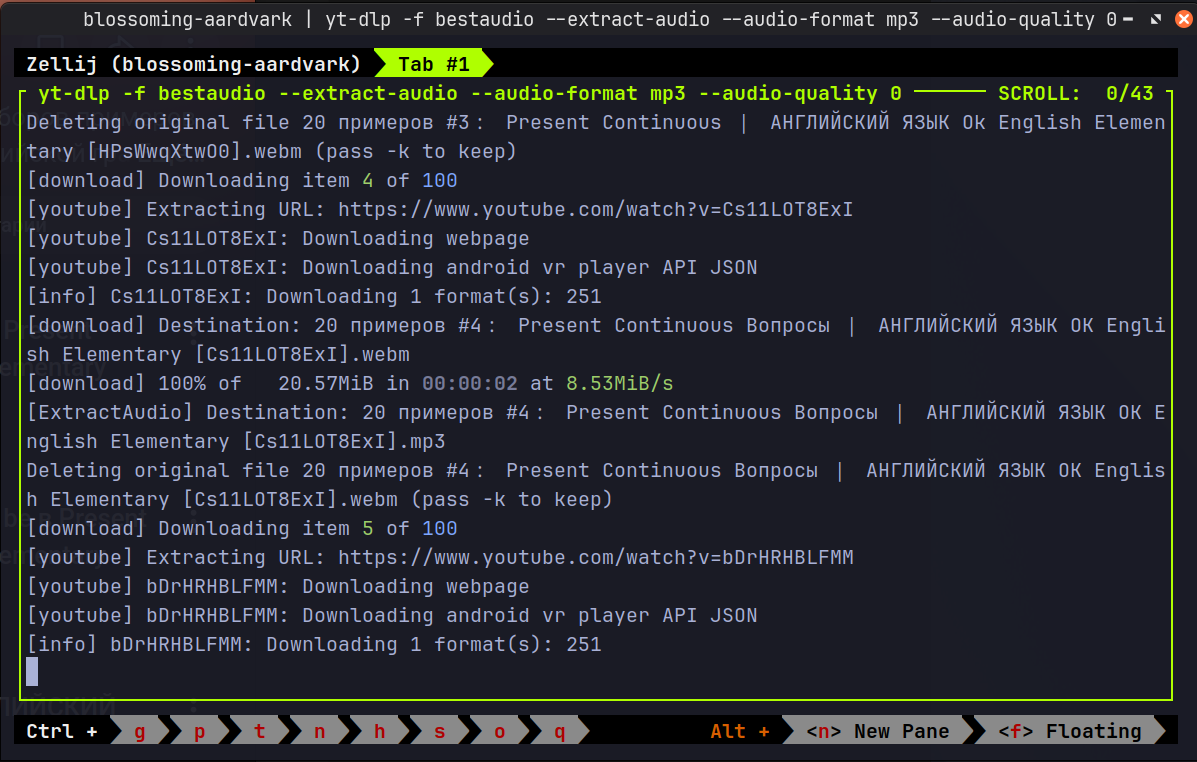 Automating my offline English library: processing an entire YouTube playlist
via terminal.
Automating my offline English library: processing an entire YouTube playlist
via terminal.