Overcoming Learning Barriers: Why I Build My Own Offline Library
Currently, I am based in Russia, where accessing global educational resources like YouTube has become a significant challenge due to state-imposed restrictions (RKN blocks). For a student, this is more than an inconvenience — it’s a barrier to professional growth.
Every other day, I spend about 3 hours commuting to the gym and training. I refused to let this time go to waste. To ensure my English learning remains uninterrupted despite unstable connectivity and censorship, I developed a reliable offline workflow using yt-dlp.
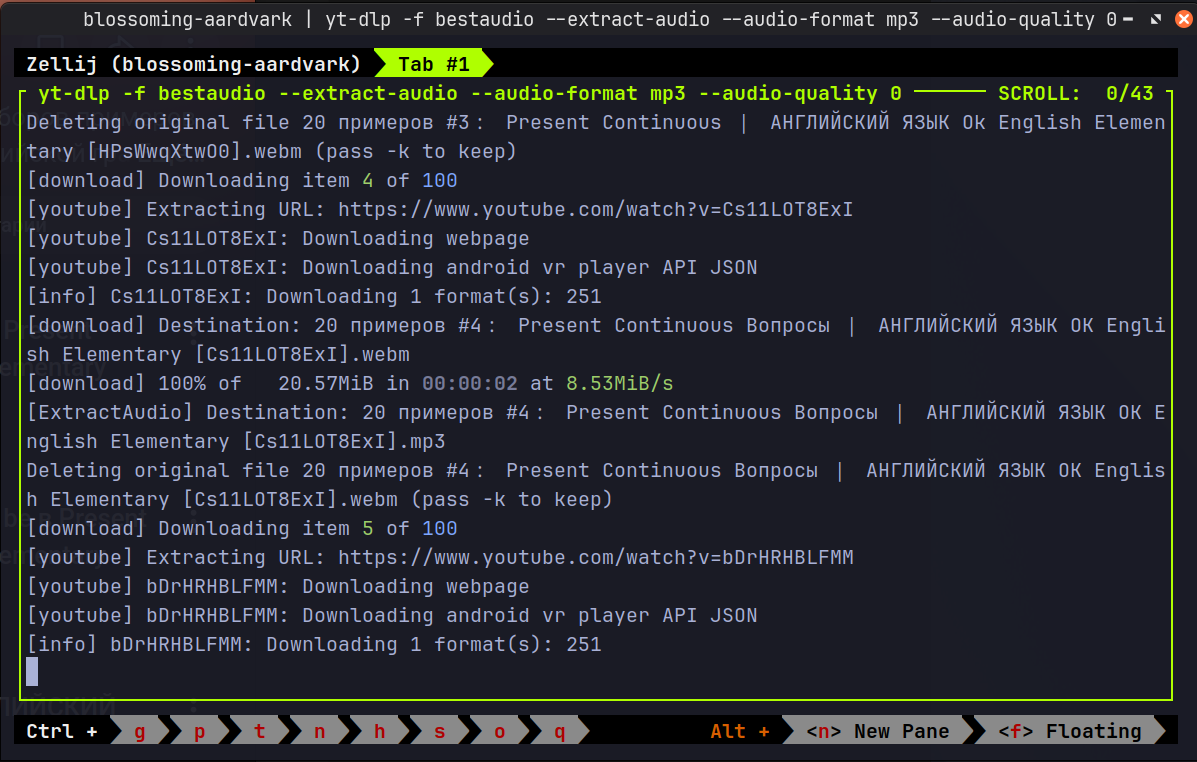 Automating my offline English library: processing an entire YouTube playlist
via terminal.
Automating my offline English library: processing an entire YouTube playlist
via terminal.
My Technical Workflow
I don’t just "download videos"; I automate the creation of high-quality educational audio files that I can listen to anywhere, regardless of the current state of the local network.
1. Installation
I prefer the direct binary method to ensure I have the most resilient version:
cd ~/Downloads
wget https://github.com/yt-dlp/yt-dlp/releases/latest/download/yt-dlp_linux
chmod +x yt-dlp_linux
sudo mv yt-dlp_linux /usr/local/bin/yt-dlp
2. Prerequisites: The Engines of Resilience
To bypass modern signatures and "JS challenges" used by YouTube to block automated tools, you need a proper runtime:
- Deno: Essential for executing signature-deciphering scripts. It is the fastest and most reliable way to avoid 403 Forbidden errors in a restricted environment.
- FFmpeg: For high-quality audio extraction.
# Install FFmpeg and required dependencies
sudo apt update
sudo apt install ffmpeg atomicparsley curl unzip -y

# Install Deno runtime
curl -fsSL https://deno.land/x/install/install.sh | sh

# Update PATH (add these lines to your ~/.bashrc or ~/.zshrc)
export DENO_INSTALL="$HOME/.deno"
export PATH="$DENO_INSTALL/bin:$PATH"
3. Automation (Bash Alias)
I value efficiency. This alias extracts the highest available audio quality, embeds the video thumbnail as album art, and ensures clean filenames:
# High-quality MP3 with clean filenames for my commute
alias ytmp3='yt-dlp -f bestaudio -x --audio-format mp3
--audio-quality 0 --embed-thumbnail -o "%(title)s.%(ext)s"'
4. Maintenance: Keeping yt-dlp Up to Date
Video platforms constantly alter their internal APIs and player signatures.
Because of this, yt-dlp receives regular upstream patches to maintain compatibility.
Since we placed the binary into /usr/local/bin using sudo,
updating it also requires elevated privileges to overwrite the executable:
Running this command periodically prevents parsing failures and avoids the 90-day obsolescence warning.
Pro Tip: For single tracks, use the link from the 'Share' button. For
entire playlists, use the browser URL. When pasting URLs into the terminal, the
safest choice is usually single quotes ('URL') because they protect
characters like & and ! from the shell (especially in Zsh). However, if your
string contains an apostrophe (like don't), you must use double quotes
("URL"). If Zsh throws a 'history expansion' error due to a ! inside double
quotes, escape it with a backslash (\!) or switch back to single quotes.
Ethical Note: This setup is my personal response to infrastructure instability. It is used strictly for personal education, allowing me to turn 9 hours of weekly commute into a productive language lab.